Ghost after uninstall
You dragged Figma — or Zoom — to the Trash weeks ago. Login Items still lists a helper. Library still has a folder with the old name. You were diligent. The Mac wasn’t finished.
 MacHygienistDownload
You uninstalled it. Your Mac didn’t.
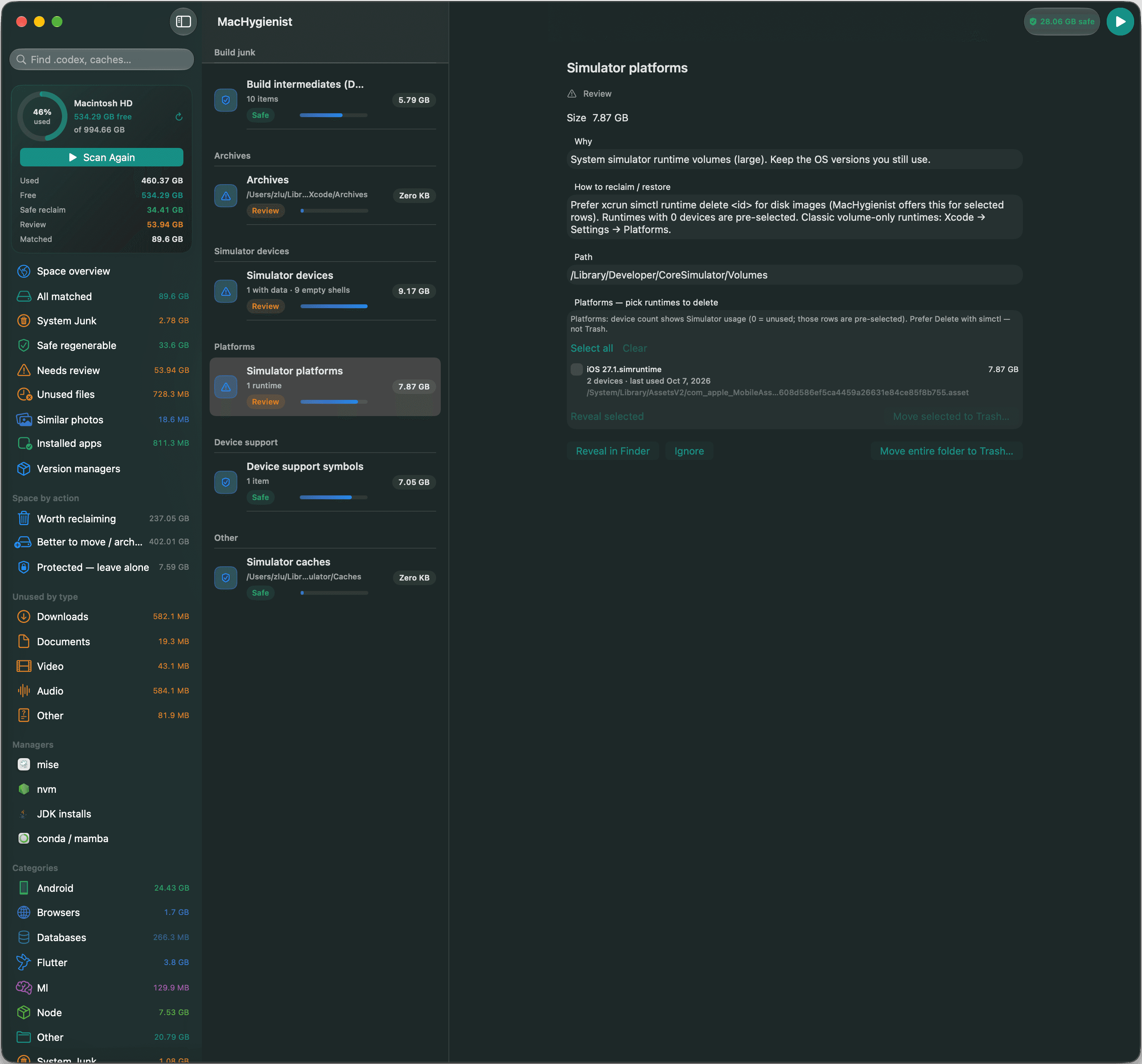
Leftover folders after apps leave. Quiet caches that grow while you work. Named, labeled, and ready to reclaim.
Sound familiar?
Dragging an app to Trash is only half the story. The rest hides until something names it.
You dragged Figma — or Zoom — to the Trash weeks ago. Login Items still lists a helper. Library still has a folder with the old name. You were diligent. The Mac wasn’t finished.
Storage says the drive is full. “Other,” or an old iPhone backup you forgot about, is sitting on tens of gigabytes. You didn’t know that folder was still there until something finally named it.
Apps and tools are one click to install. Months later you can’t picture what’s still on disk, or what still opens at login. The pile grew quietly.
An old Java. An extra Python. A runtime from a project last year. You thought you had one. The disk has three — and none of them show up in Applications.
MacHygienist names what’s left, marks Safe or Review before you touch it, and uses the official uninstall when one exists.
How it helps
Scan free. Reclaim Safe System Junk and browser caches up to 2 GB lifetime. Everything goes to Trash — never a silent delete.
System and browser junk, large files you haven’t touched in months, near-duplicate photos. Each one labeled before you reclaim.
Installed apps, Homebrew, and what’s left after an uninstall — ghost login items, stray Library folders, helpers that still try to start.
Build caches and version managers tied to the project or tool that owns them. Biggest wins first, so you see the real space before the noise.
Safety
Every finding is Safe, Review, or Do not touch before you reclaim. After you clean, Recently Reclaimed lets you Put Back Trash items. Limits are honest.
Safe
Regenerable — fine to reclaim
Review
Confirm before Trash
Do not touch
Trash disabled
Open the sidebar list to Put Back Trash items or jump to Photos → Recently Deleted. Confirms spell out the window before you act. Step-by-step in the FAQ.
Finder Trash
Put Back from Recently Reclaimed until you empty Trash.
Photos library
Recently Deleted in Photos for about 30 days, then gone.
Official uninstall
Permanent — brew and similar removers cannot be undone in-app.
Full Disk Access is recommended so hidden folders can be measured. Scanning stays on your Mac — nothing from a scan is uploaded.
Pricing
Free
$0
Pro
$39
one-time · personal license · up to 5 Macs
Direct download · Developer ID notarized by Apple · Not Mac App Store.
Download MacHygienist